Choose text-to-image when
You are inventing the cat.
- You want a cat made from a written description.
- It does not need to match a real cat you know.
- The written idea matters more than a source photo.
 CatAI
CatAIAI cat photo generator from photos
Upload 10–20 photos of the same cat. CatAI learns their face and markings, then makes new photos in themed packs. Choose the scene instead of writing a prompt.
Keep and download the finished photos. See full pricing.
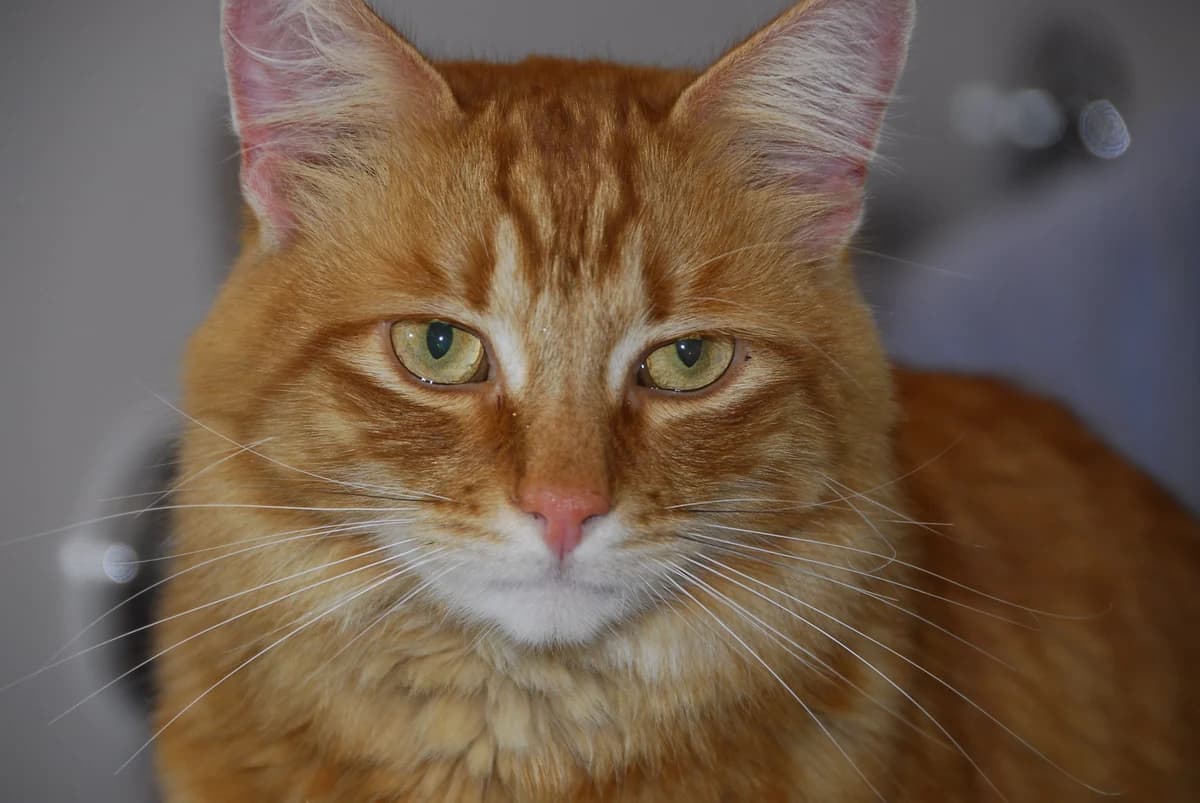
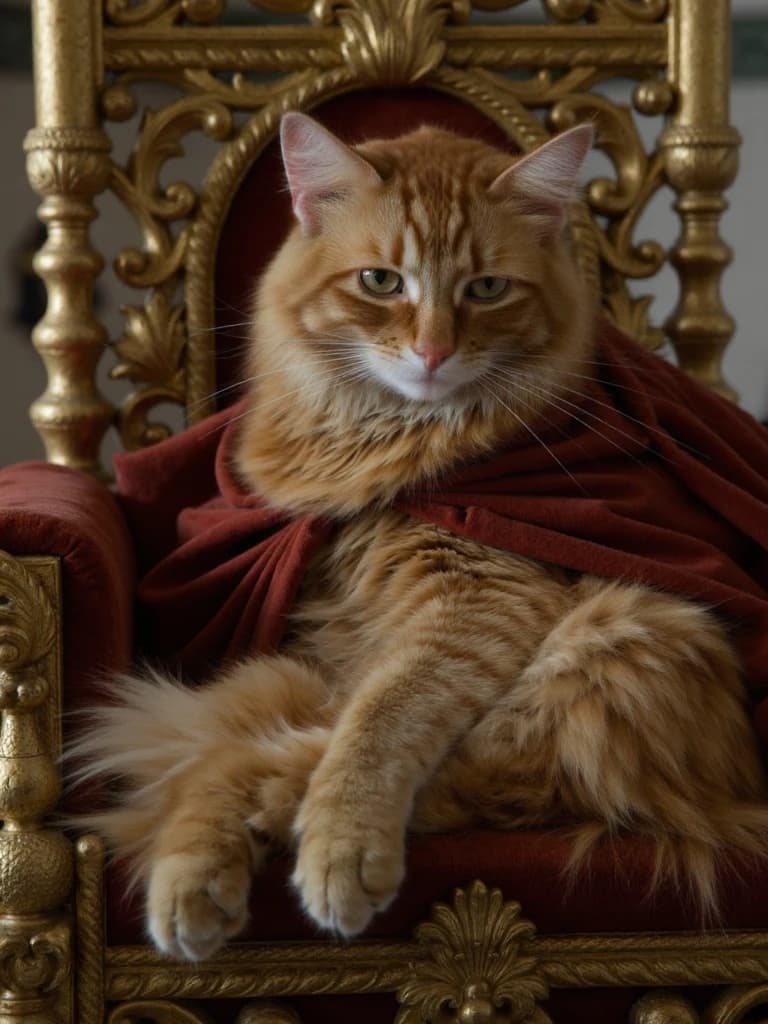
Gillie, the example cat · August 25, 2026
Pick the right kind of tool
Choose text-to-image when
Choose a one-photo restyle when
Choose CatAI when
CatAI has an upload and training step before the first photo. If that fits what you want, inspect the source photos and results below before starting. Finished photos are digital, and likeness can vary.
Start with your cat →For the full upload-to-gallery process, see the AI cat photoshoot walkthrough. If you have a theme in mind, inspect the Royal Court portrait or Corporate Cat photos.
One cat, shown plainly
Gillie is the example cat. We trained the model from 12 photos. These are inputs and finished photos from that run — real CatAI outputs from this test, not customer results.
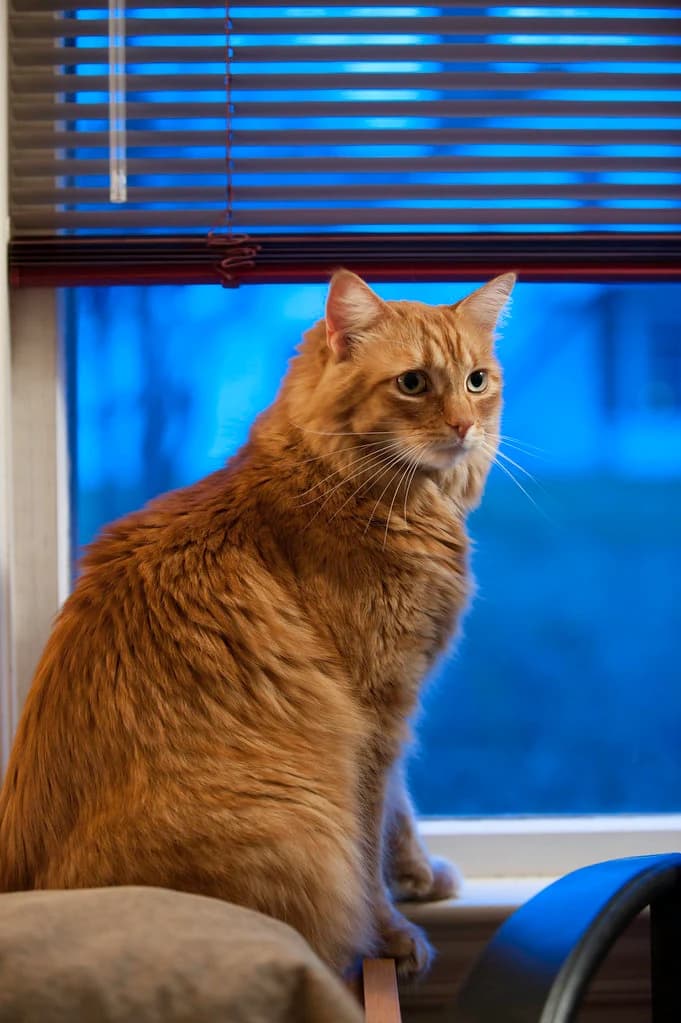
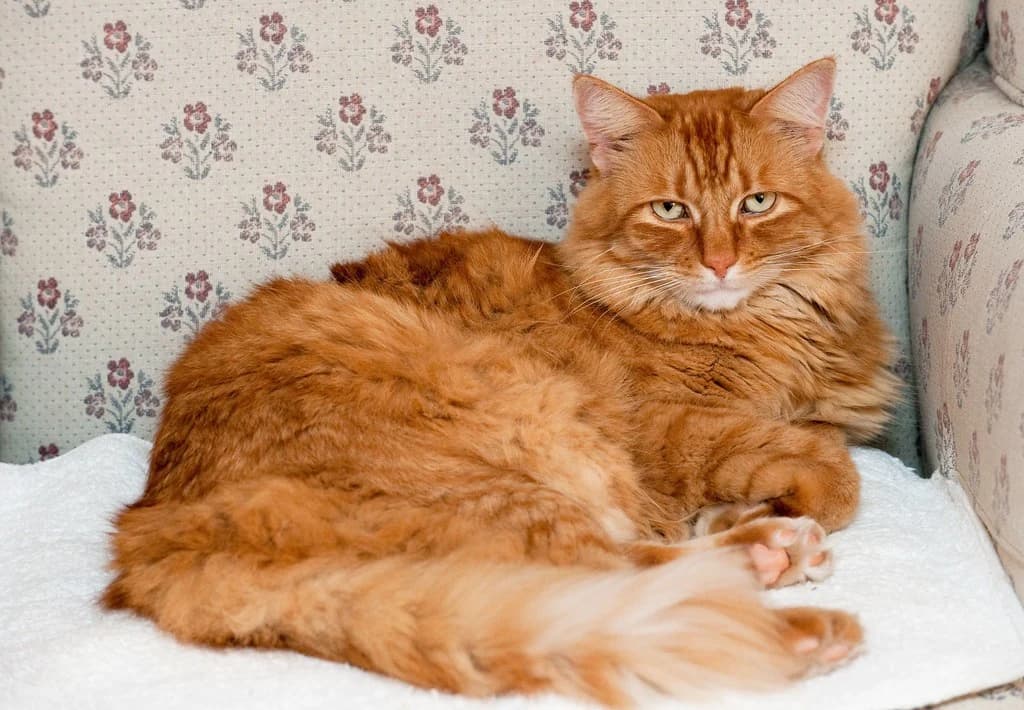
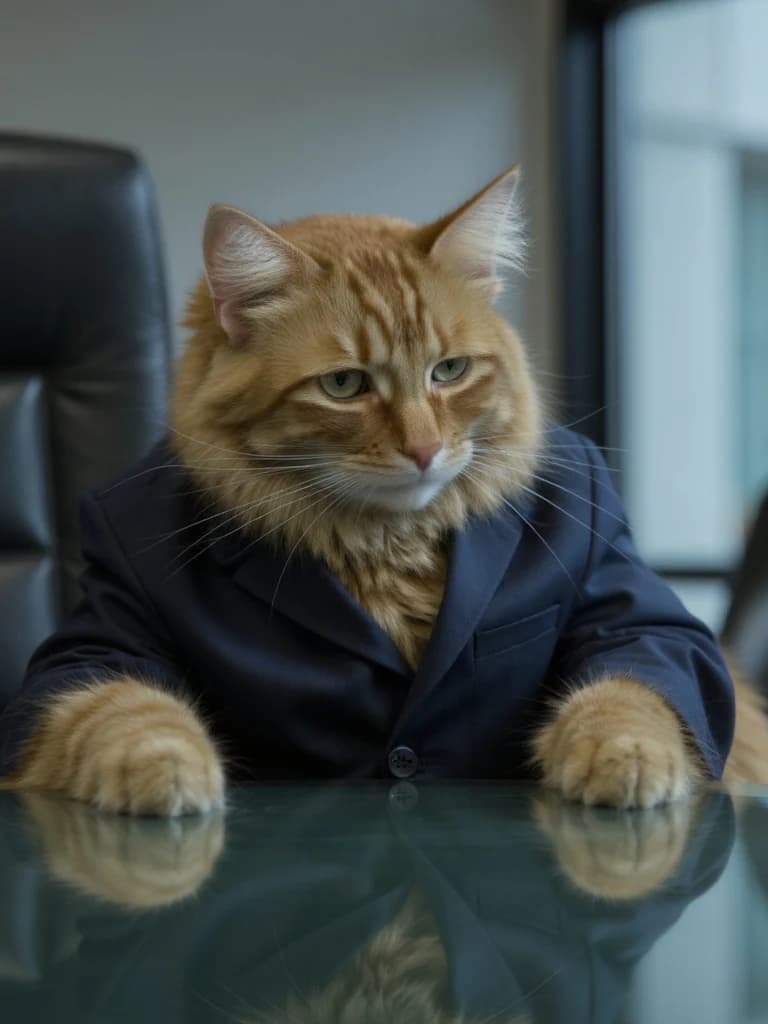
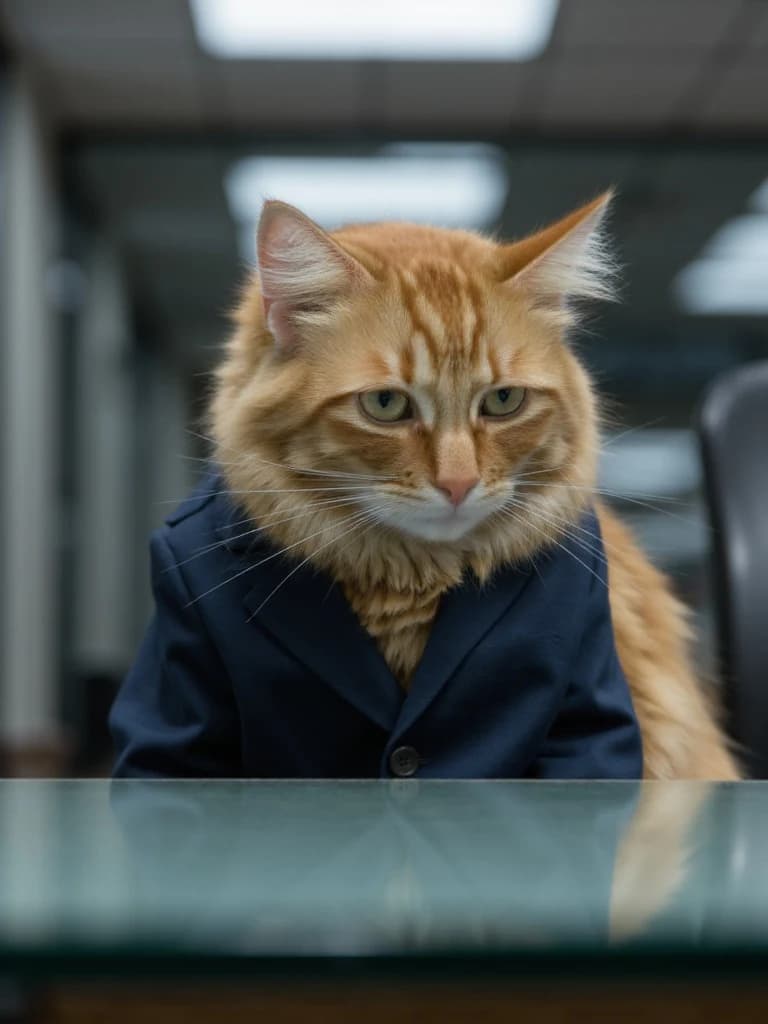
Compare the orange forehead stripes, pink nose, and pale muzzle across Gillie’s source portrait and the finished photos. The wardrobe, pose, and setting change. See the dated Gillie example and selected results for more of this CatAI test run; these examples do not establish how often another cat’s photos will be worth keeping.
Ready to start?
Starter includes training, 50 credits each month, and access to every pack. Each standard photo uses 2 credits. Make one, inspect it, then decide whether to make another.
$19/month or $99/year. No free plan is offered.
How it works
Choose a paid plan before training, then make photos at your own pace.
Upload 10–20 clear photos of one cat, with a few angles, expressions, rooms, and lighting conditions. Use the source-photo selection checklist to build the set from your camera roll.
Starter includes training for one cat. Start training after uploading the photo set, then wait for your cat to be ready. You only need to train once to use different packs.
Pick a theme such as Royal Court or Corporate Cat. Selecting a pack does not spend credits or make a batch of photos.
Request one standard photo for 2 credits. Review the finished result in your gallery, then keep and download the ones you want.
Before you start
Photo requirements, the current offer, our run with Gillie, and what happens after sign-in.
No. CatAI makes new photos of your own cat from photos you upload. A text-to-image cat generator is a better fit when you want to invent a cat from a description.
CatAI learns from several views of the same cat before making new scenes. Your photo set should show the face, markings, and body from different angles. A single snapshot is not enough for CatAI's training step, and likeness can still vary between results.
Use clear phone photos of one cat: the face, both sides, a few full-body shots, and some variety in angles, expressions, rooms, and lighting. Avoid a mixed-cat set or 10 near-identical frames.
No. You choose a themed pack and request one photo at a time. A pack sets the scene; it does not give you exact pose, clothing, or background controls.
Gillie is the example cat. We trained one model from 12 photos and made the labeled photos on this page. These are real CatAI outputs from this test, not customer results.
CatAI is a paid subscription. Starter is $19/month or $99/year. It includes 50 credits each month and training for one cat. Standard photos use 2 credits each, enough for 25 standard photos made individually across any pack. Likeness varies; you decide which results to keep and download.
You add one cat and upload 10–20 photos. After you choose a plan, CatAI trains the model. Then you choose a pack, make photos, and keep them in your gallery.
CatAI stores your uploads and finished photos. Training and generation use CatAI's image provider, and Whop processes payments. There is no delete button yet; the privacy page explains how to email a removal request.
Compare the current Starter offer, see more illustrative pack looks, or read the full privacy policy.