Phone or camera?
Either is fine. No special equipment is needed. Clear, useful coverage matters more than the device, and ordinary phone photos made the set we used for the example cat.
 CatAI
CatAICamera-roll guide
CatAI needs 10–20 photos of one cat. Choose variety, not 20 copies of the same shot. Clear face, markings, angles, and a few full-body views give the model more to learn from.
The short answer: start with the sharpest face photo, add different angles and full-body views, then drop blur, filters, duplicate bursts, and crowded frames.
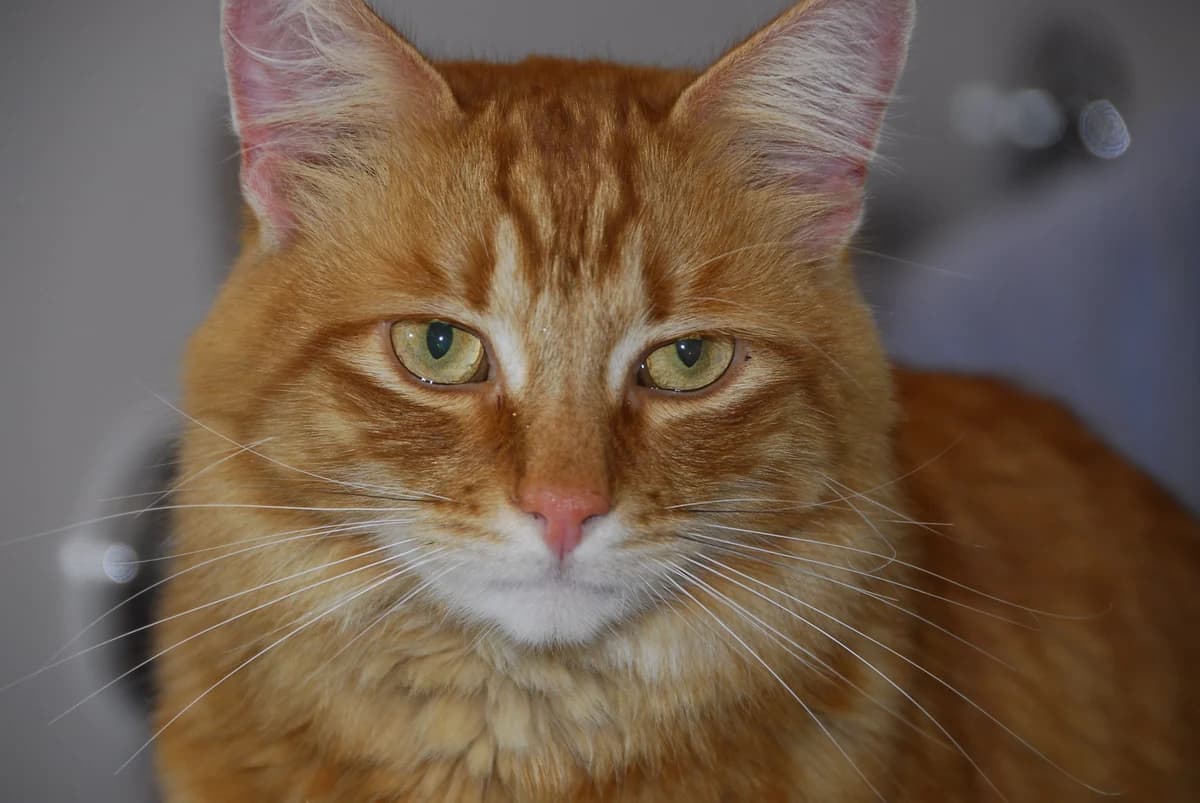
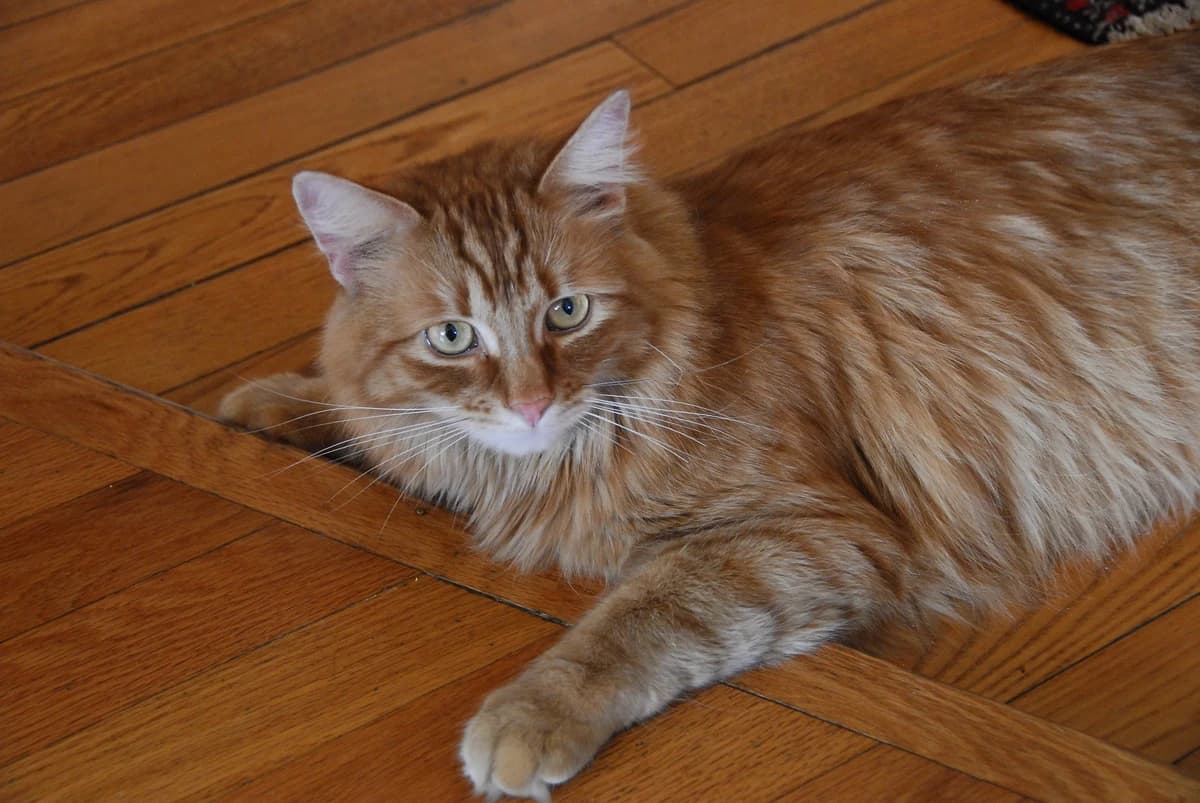
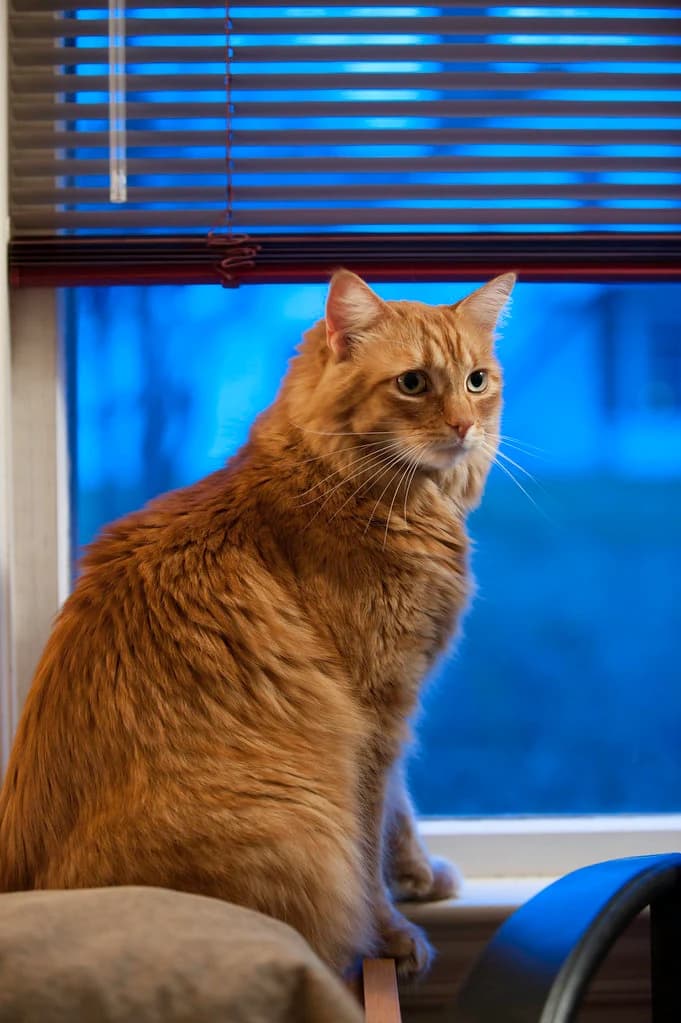
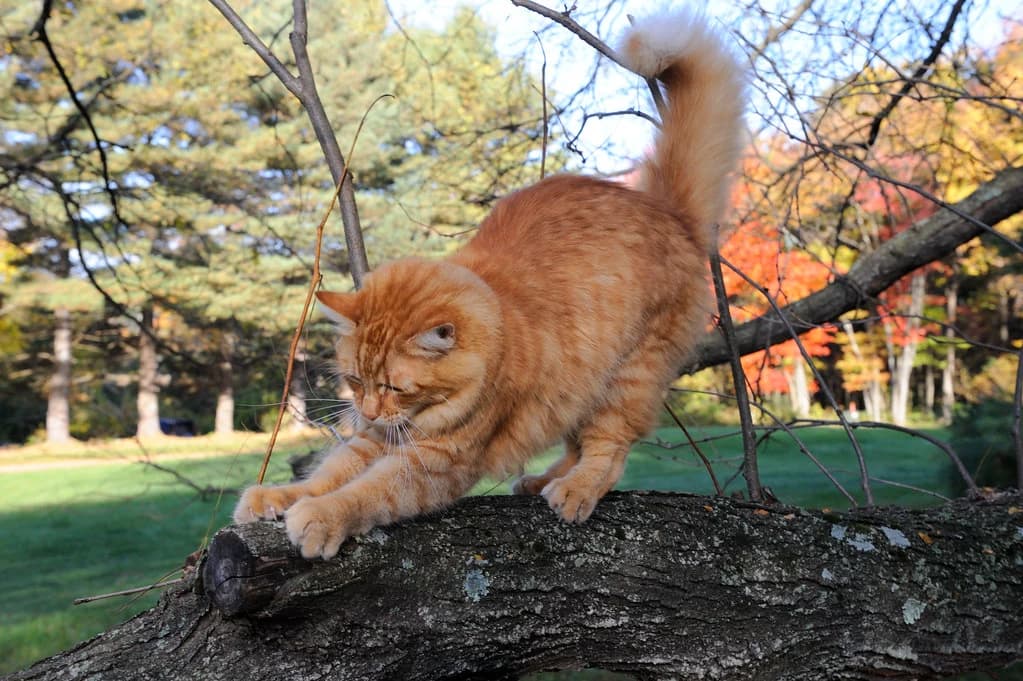
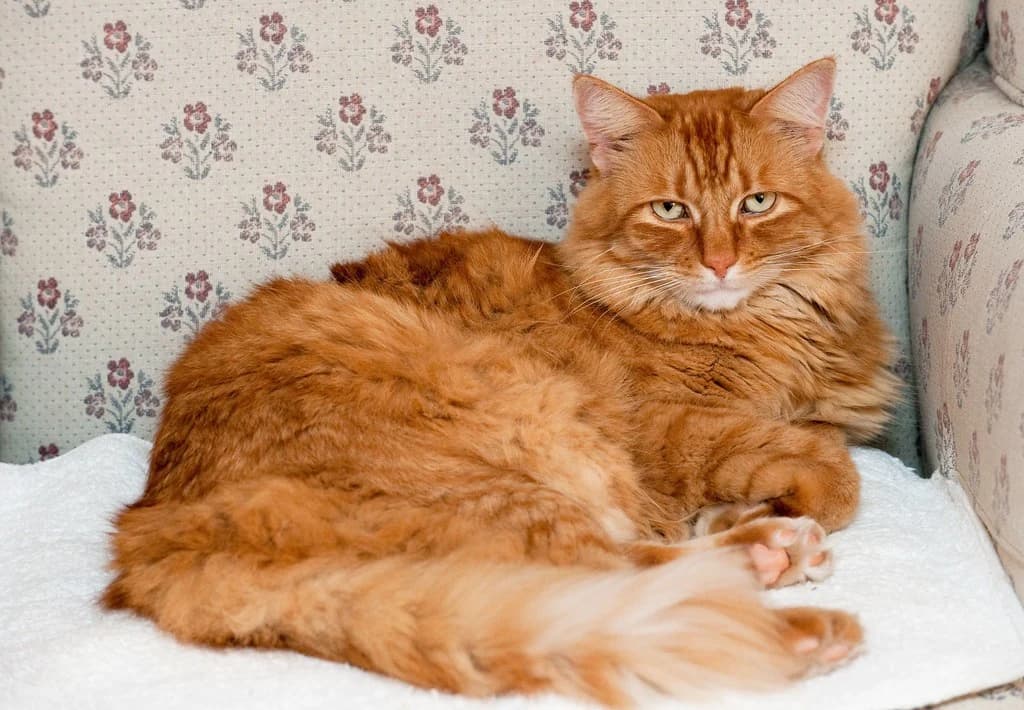
5 of the 12 photos we used for the example cat
Before you upload
Smaller files help the upload, not the result. CatAI does not require JPEG. If a photo still won’t upload, use the support form.
Build your set
One photo can cover more than one of these. You don’t need a perfect checklist. Just avoid giving CatAI the same pose, distance, and light repeated 20 times.
Keep photos where the eyes, ears, muzzle, and face shape are easy to see.
Look for front, three-quarter, and profile-ish views instead of one repeated pose.
Add wider frames that show the torso, legs, paws, and tail—not only close-ups.
Include the chest, blaze, stripes, patches, paws, and tail that make this cat recognizable.
Use a mix of normal indoor and outdoor photos. A special camera or studio is not required.
Every photo in the set should show the same cat without another animal or person taking over the frame.
One set, annotated
Five photos from the 12 we used to train a model of Gillie, the example cat. The labels point out what each photo shows. They are not a quality score.
0102030405Skip or replace
Old photos and phone photos both work. The problem is a frame that hides or changes the details you want the model to learn.
Photos in, photos out
All five photos below came from the same set of Gillie, the example cat. See the full runs for the Corporate Cat portraits and Royal Court portrait.
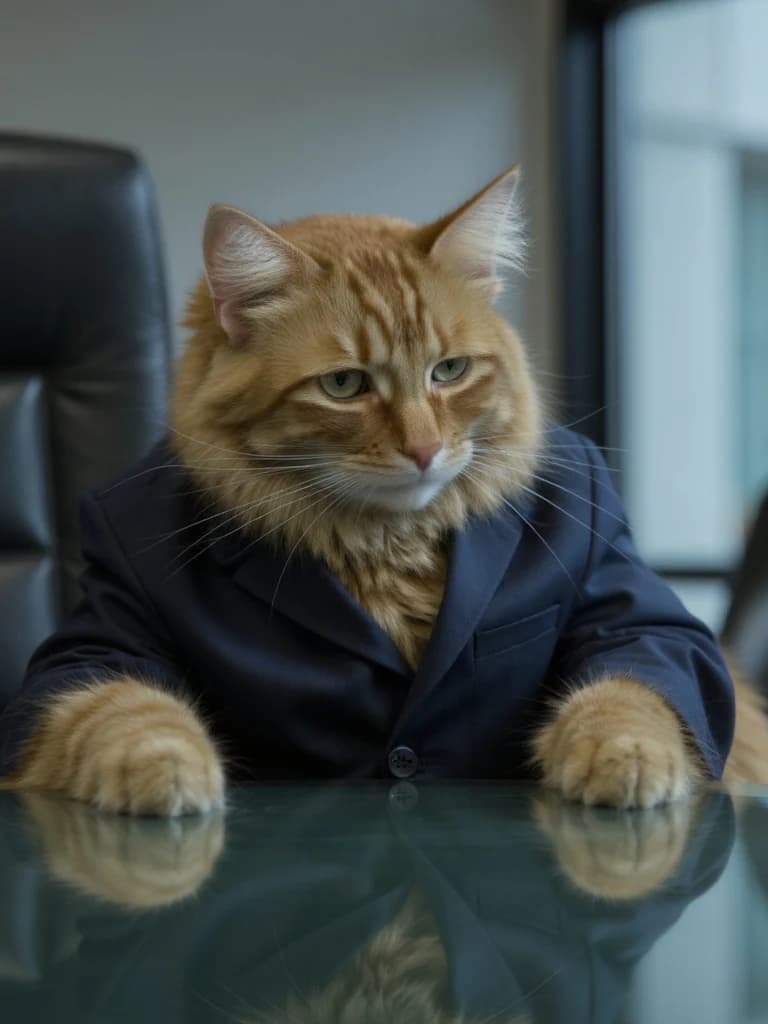
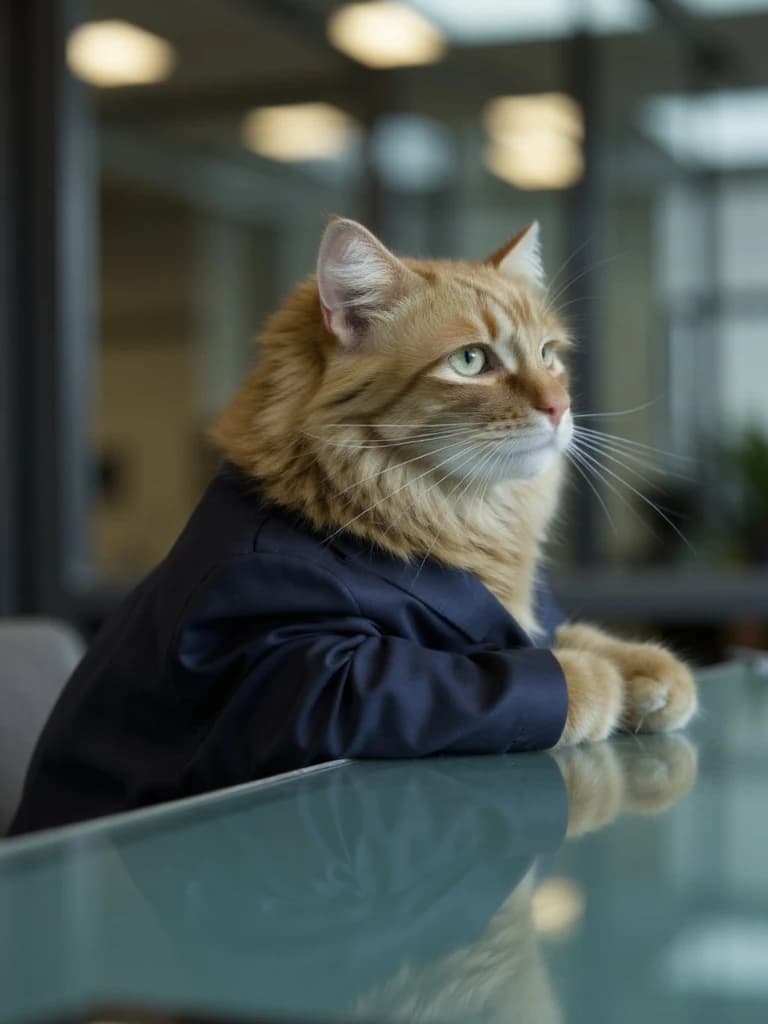
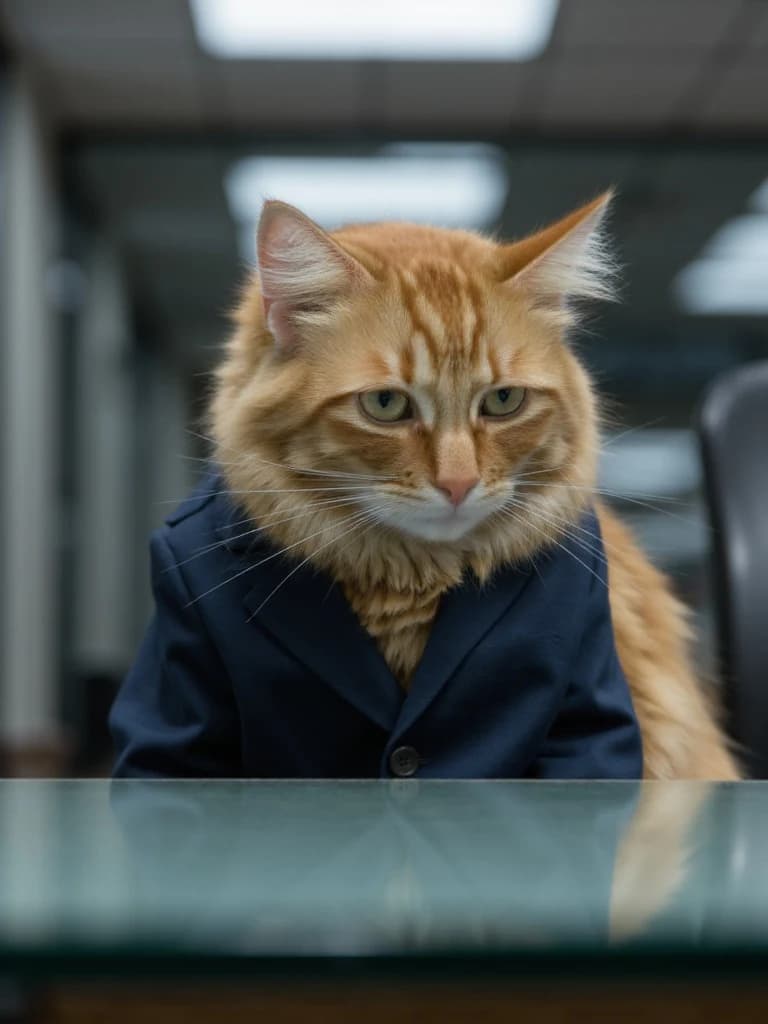
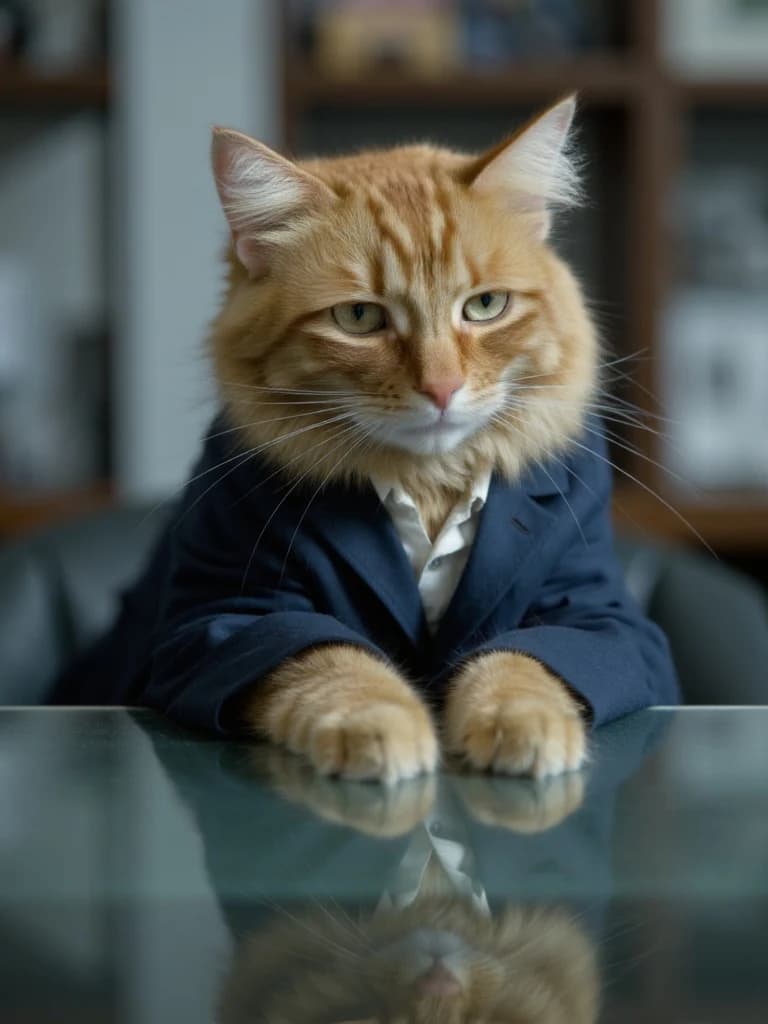
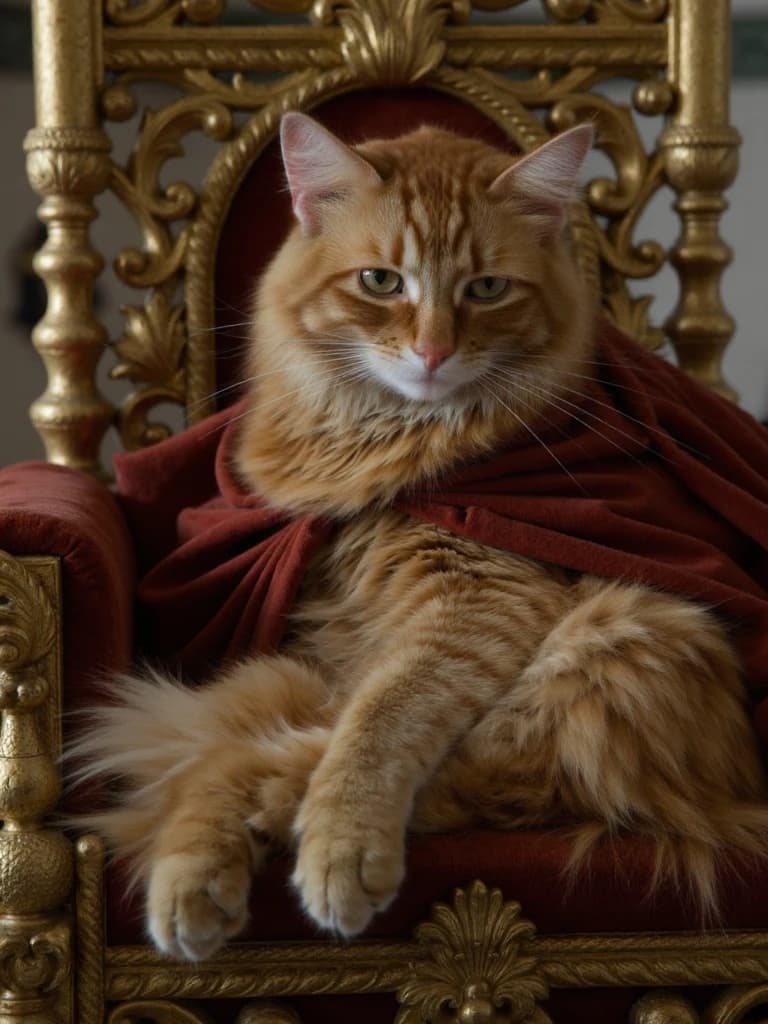
CatAI test · August 25, 2026 · Real CatAI test results, not customer photos or a guarantee of future results.
Real camera rolls are messy
You don’t need professional gear. You do need at least 10 usable photos of the same cat.
Either is fine. No special equipment is needed. Clear, useful coverage matters more than the device, and ordinary phone photos made the set we used for the example cat.
Use the clearest ones that still show the same cat well. If the set cannot reach 10 usable photos, CatAI will not accept it today.
Choose original versions when you have them. Filters can hide or alter fur color, eyes, face shape, and markings.
Separate them. Build one set for one cat and skip frames where the other cat dominates or makes the subject unclear.
Keep the sharpest one or two from a burst, then find different angles, distances, rooms, and poses.
Add wider body views before starting. Face detail is useful, but it does not show the whole cat's coat and proportion.
Before you start
Starter is a paid subscription. Training is included. Once CatAI learns your cat, you choose a pack and make photos.
Photo questions
These cover CatAI’s photo requirements and how it works. A good set helps, but no set guarantees a particular likeness.
CatAI requires 10–20 photos of one cat. Fewer than 10 are not accepted today, and each image must be 8 MB or smaller.
For CatAI's cat-specific workflow, choose clear, unfiltered photos that collectively show the face, several angles, distinctive markings, and the full body in ordinary light. Useful variety matters more than a burst of nearly identical frames.
No automated photo-quality score is promised. This page is a static selection checklist. CatAI enforces the count and file-size rules, but you choose which photos make the set.
No. CatAI is not a one-photo workflow, and fewer than 10 photos are not accepted today. A one-photo restyler is a different product category.
No. A good set gives CatAI more to work with, but likeness, composition, pose, and styling can vary. The photos of Gillie are one real CatAI example, not a guarantee.
You add one cat and choose 10–20 photos. After you choose a plan, CatAI trains that cat. Then you choose a pack, make individual photos, and collect the finished images in your gallery.