Upload your photos
Choose 10–20 clear photos of one cat. Our source-photo guide shows which to pick.
 CatAI
CatAIAI cat photoshoot · Real run with Gillie
Your cat stays home. Use 10–20 photos from your camera roll to train once, then make new scenes in packs like Corporate Cat and Royal Court. No appointment or costume required.
Starter is $19/month or $99/year, with training and 50 credits each month. Make one standard photo for 2 credits; likeness can vary.
Gillie, the example cat · August 25, 2026
Gillie, the example cat · August 25, 2026
Twelve phone photos trained a model of Gillie, the example cat. These are real results from the Corporate Cat and Royal Court packs. Likeness, composition, and timing can vary.
13 seconds · works muted · sound optional
A phone photo of Gillie appears beside the finished Royal Court result. Five of the twelve source photos flash by. CatAI shows the trained model; training takes time. The pack chooser moves from Corporate Cat to Royal Court. Four Corporate Cat outputs appear, followed by the Royal Court output. The clip ends with “Make photos of your cat.”
One cat, different scenes
A pack is a theme, not a bundle delivered at once. Your cat stays ready as you change packs, and you decide when to make the next photo.
Choose 10–20 clear photos of one cat. Our source-photo guide shows which to pick.
Choose Starter, then start the included training. CatAI learns from your photo set before you can make the first photo.
Choose a pack and request one photo for 2 credits. Review it in your gallery before making another in the same pack or a different one.
Pick the right tool
Choose by what you want at the end.
Use one photo set to make different digital scenes. Gillie’s shoot below moves from an office to a royal throne.
Use this when one pose already works. Compare the generator options.
Choose this when the session or physical products matter. Compare the two jobs.
See the real run
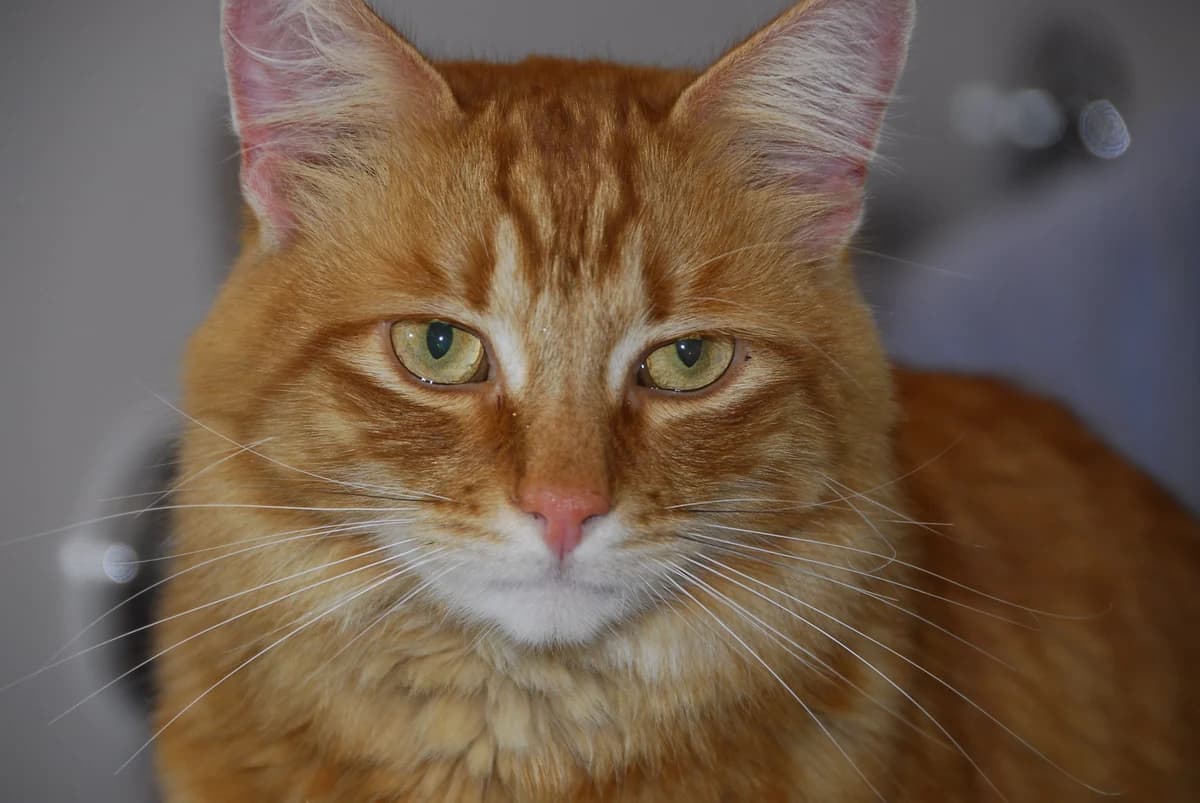
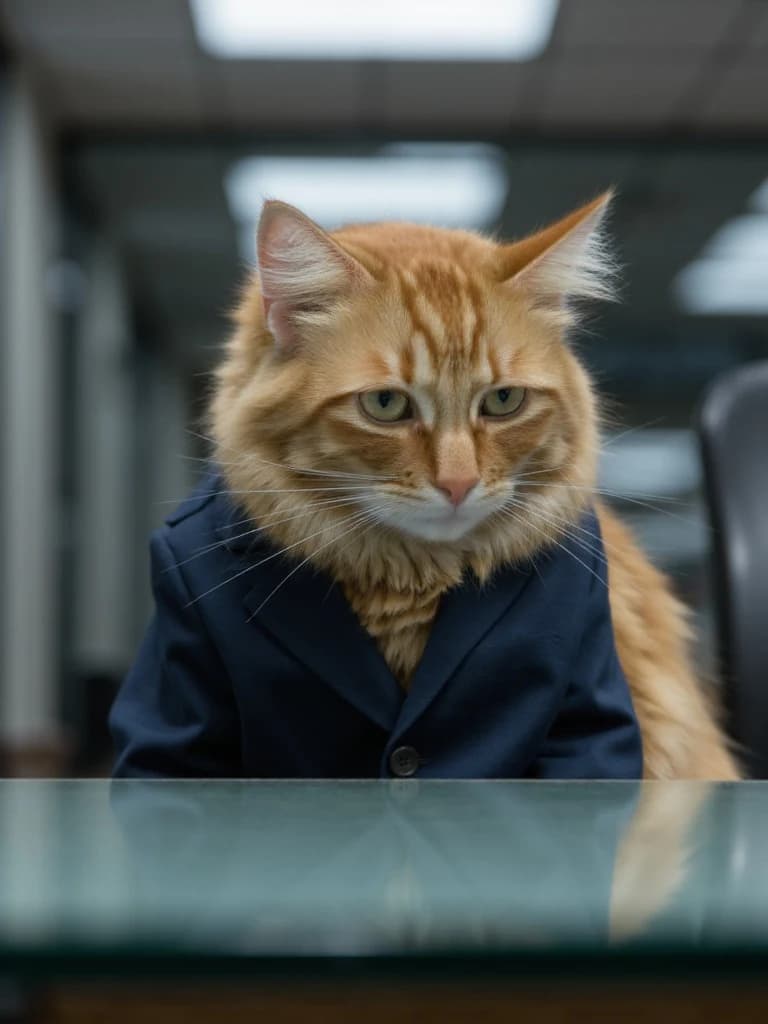
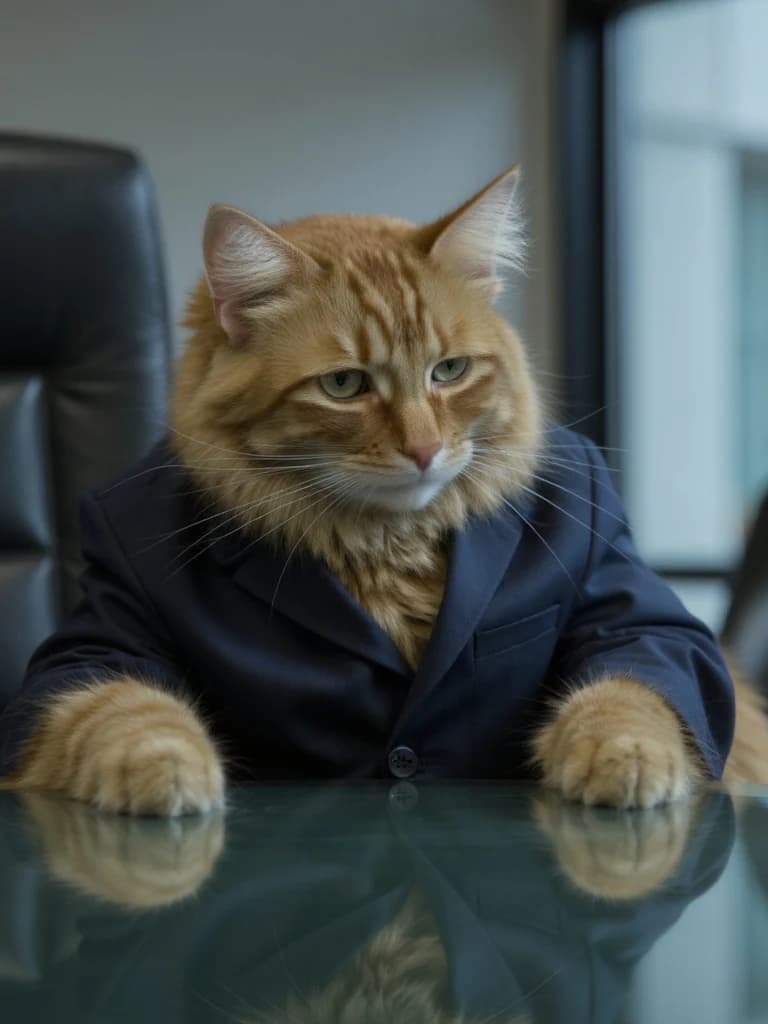
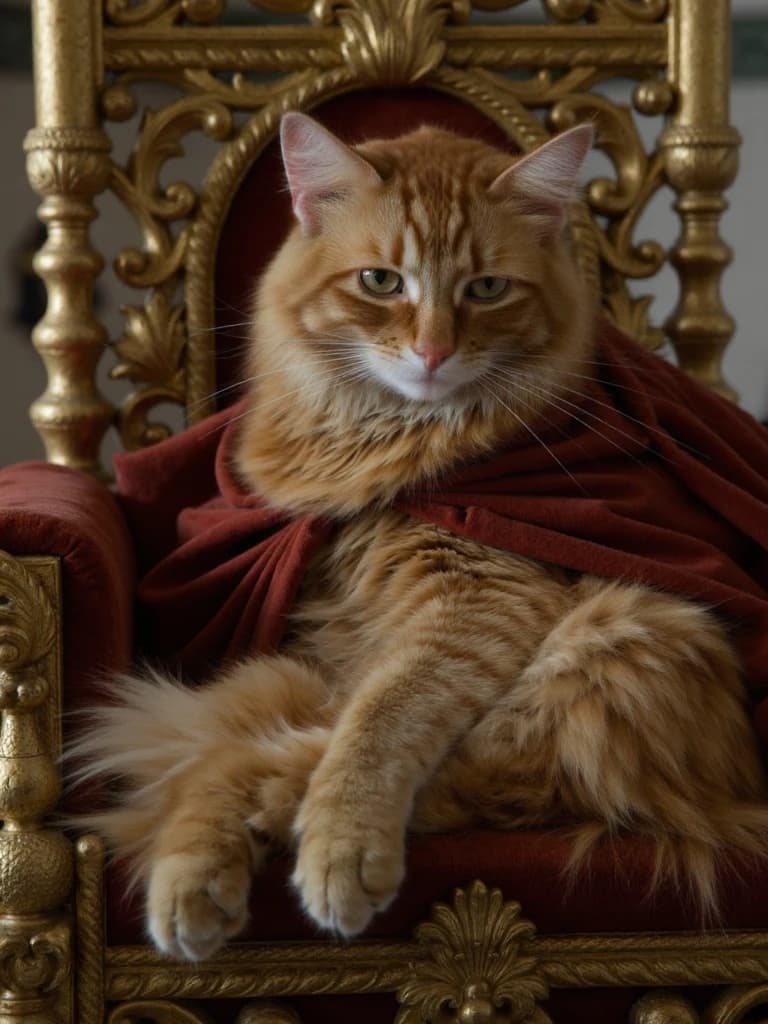
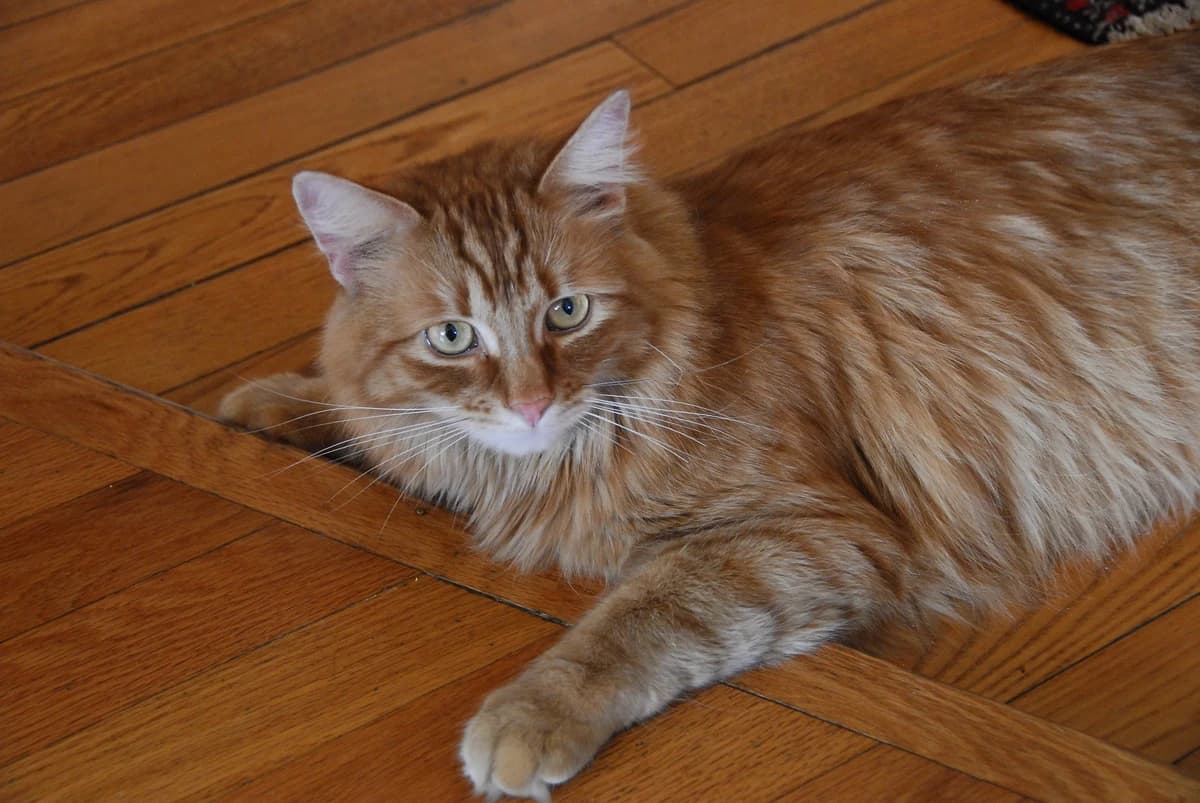
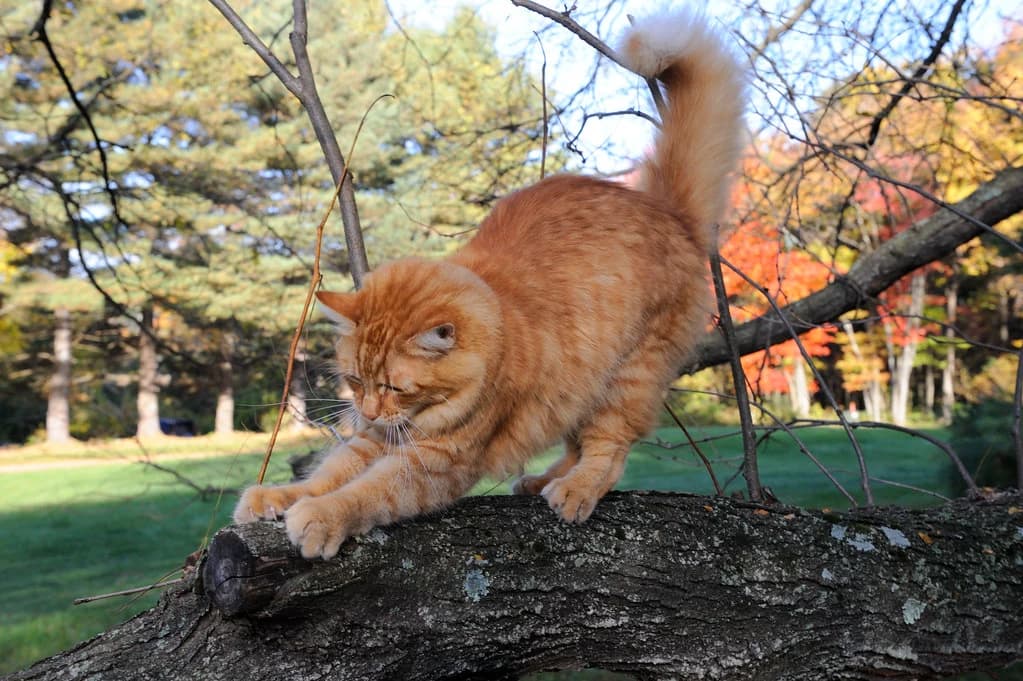
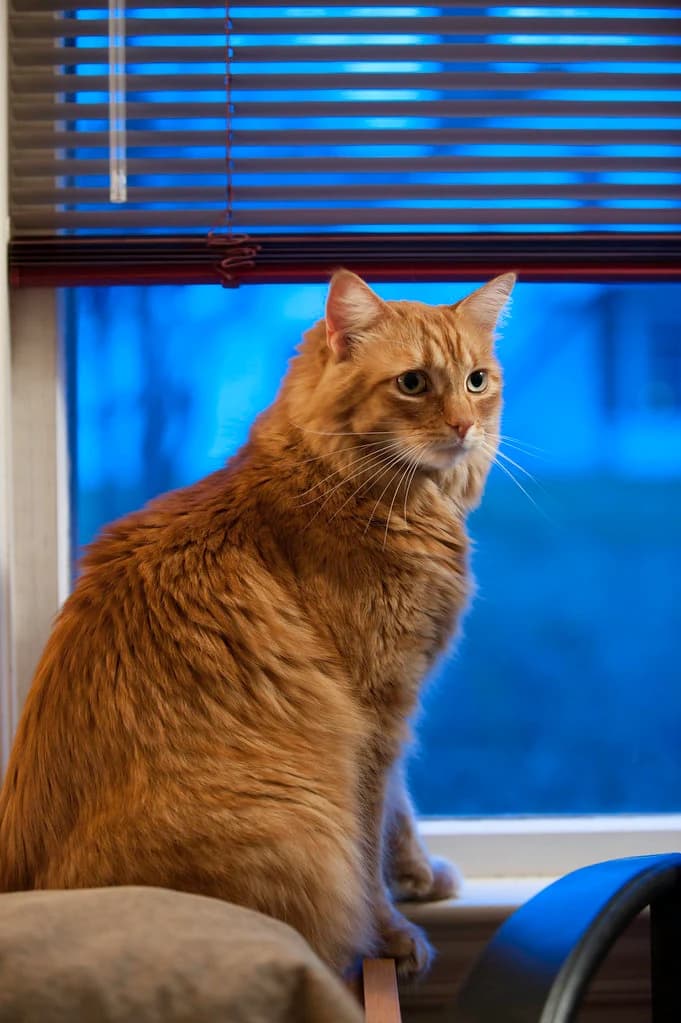
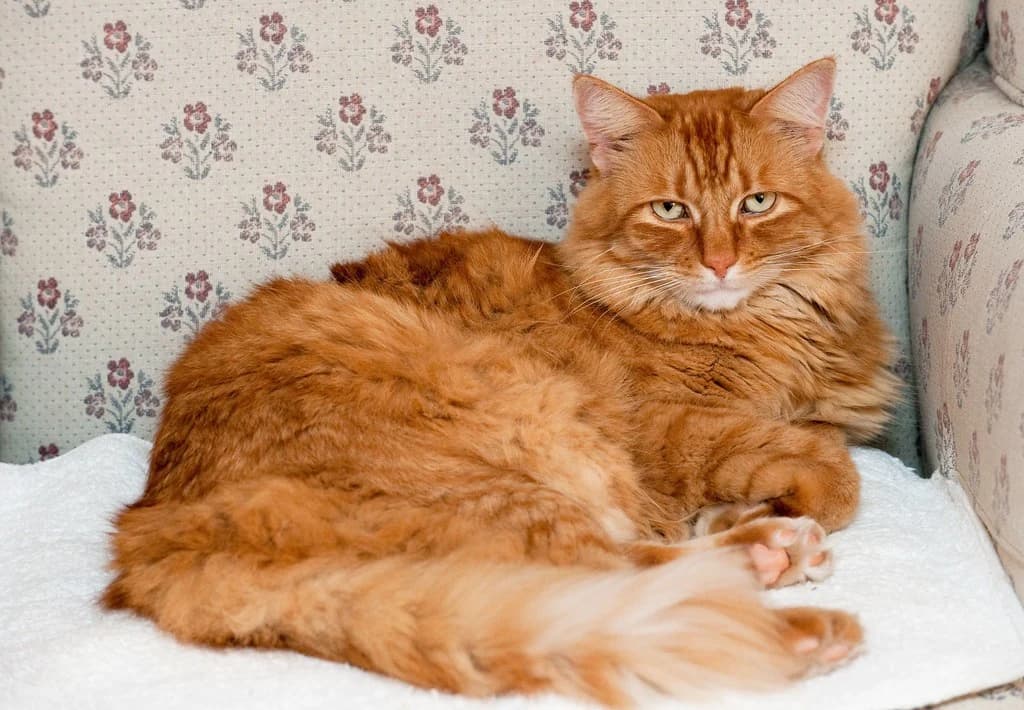
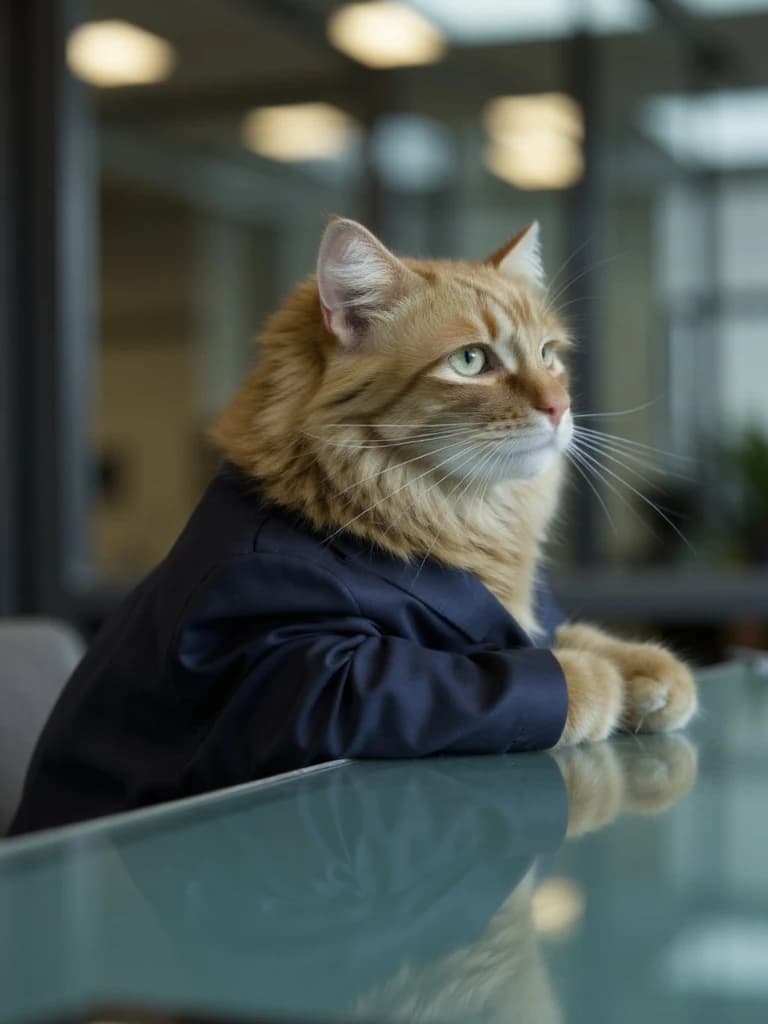
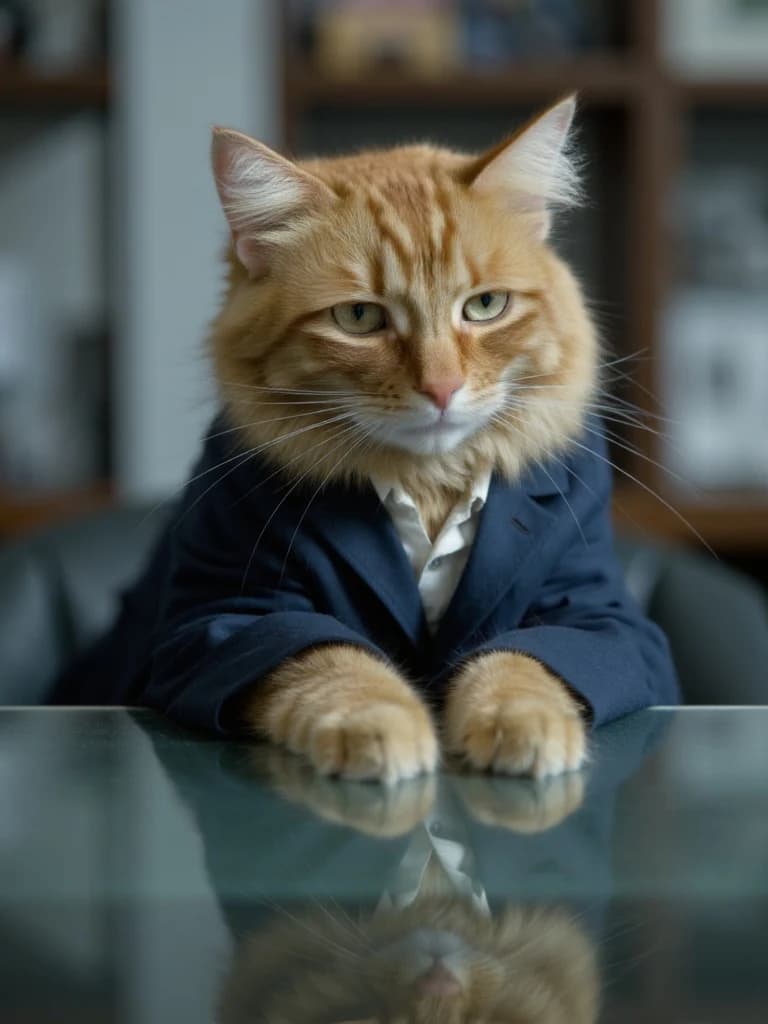
We trained once for Gillie, the example cat. Below are five of the 12 source photos and five selected outputs: four from Corporate Cat and one from Royal Court.
Selected phone photos · 5 of 12
Real CatAI outputs · 2 packs
Review your photos
Review each finished photo for your cat’s face and markings, then decide which ones you want to keep and download. A good-looking scene alone does not tell you whether it feels like your cat.
After sign-in
Your account opens at your next step. Training and generation take time.
The plan
CatAI is a paid subscription. Review the full pricing and privacy policy before continuing.
Before you start
Photo requirements, switching packs, and what you receive.
No. CatAI learns your cat from 10–20 photos before you choose a pack. To restyle a single snapshot, a one-photo tool is a better fit.
No. You use photos you already have. CatAI makes the scenes, so your cat never attends a shoot, poses, or wears the clothing shown.
No. You choose a pack like Corporate Cat or Royal Court and make one photo at a time. Selecting a pack does not create a whole batch. The exact pose, wardrobe, background, and likeness can vary.
No. Once your cat is ready, the same trained cat works across the available packs. Switching from Corporate Cat to Royal Court does not need a second photo set or another training run.
Finished digital photos in your CatAI gallery, ready to keep and download. CatAI is digital only, with no session, printing, framing, or shipping.
CatAI opens at your next step. For a new cat, add the cat and upload 10–20 photos, choose Starter, then start training. Once your cat is ready, choose a pack and make a photo. Training and generation take time.
Gillie is the example cat. We trained one model from 12 photos and made the Corporate Cat and Royal Court photos shown, on August 25, 2026. These are real CatAI outputs from this test, not customer results, and likeness can vary.